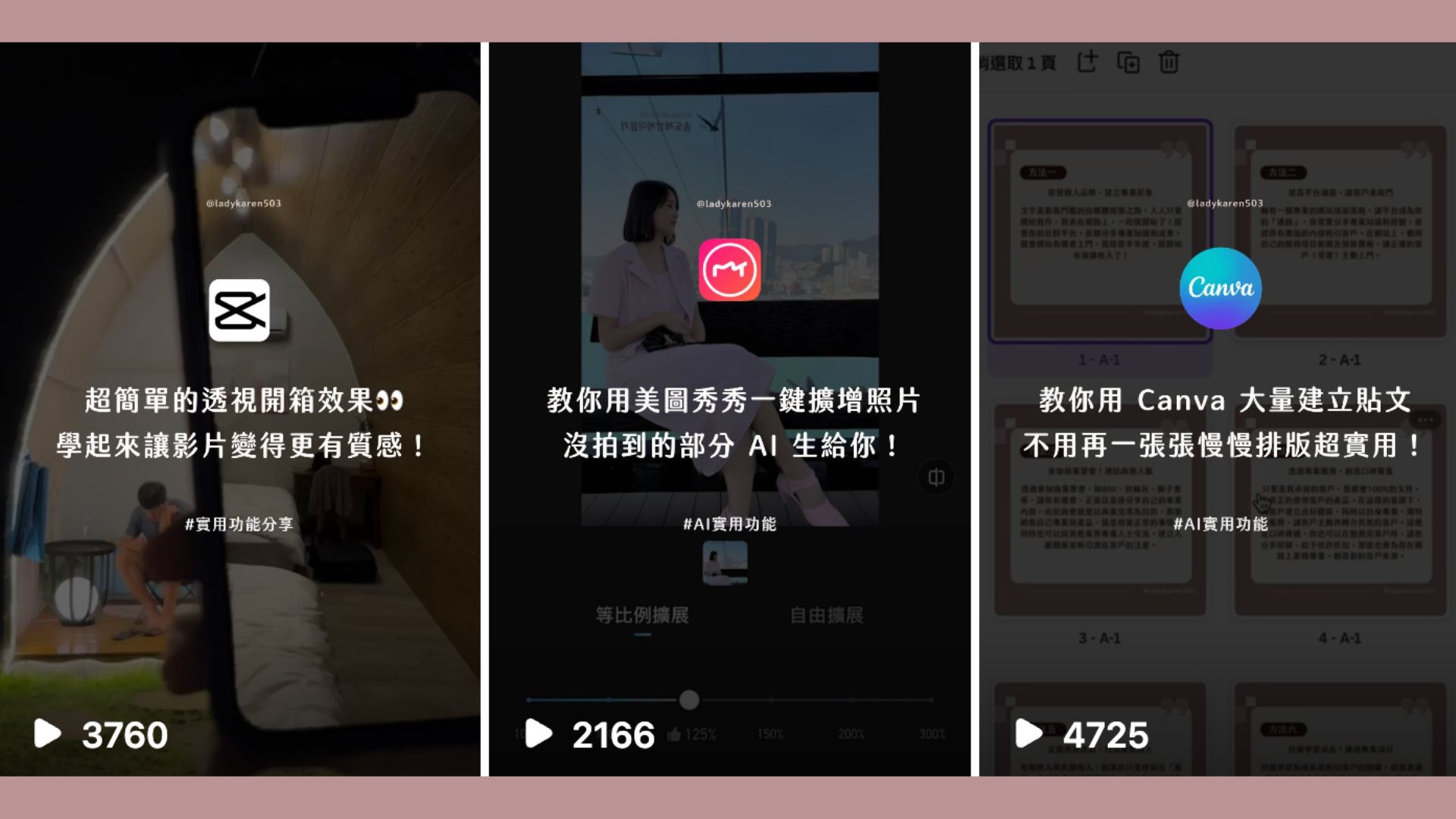
This year I've shared many practical AI application tools on Reels—I wonder which feature is your favorite? The first GPT + travel planning video I shared has surpassed 1.35 million views ~ I'm absolutely thrilled!
This article compiles three recent practical videos, each using different software to assist!
1. CapCut + Chroma Key = Perspective Unboxing
Final product: https://www.instagram.com/reel/CyN2N5rvYPS/
Perspective effect—Operating steps 🔽
-
First film the inside view of what you're unboxing
-
Then film the outside appearance (phone with solid color background, record the sliding motion)
-
Open CapCut (use this software for editing)
-
Import the first inside footage
-
Add "Overlay" and import the second exterior footage
-
After importing the video, switch to the solid color background footage
-
Click "Chroma Key"
-
Select the solid phone background color
-
Adjust the intensity until the background becomes "transparent"
Done!
CapCut download: https://www.capcut.cn/
2. Meitu — AI Image Expansion
Final product: https://www.instagram.com/reel/Cx7zn5CSM64/
👉🏻 Meitu AI Image Expansion You can expand your photos to the aspect ratio and size you want!
🔽 Operating steps:
- Open Meitu
- Select AI Image Expansion (3 free chances per day)
- Import your image
- Choose the size
- Image expansion complete!
Meitu download: https://mt.meipai.com/
3. Canva + Batch Creation = Quick Scheduling
Final product: https://www.instagram.com/reel/Cxu8zi4PXfC/
🔽 Operating steps:
-
Open Canva
-
Prepare a document file you want to create in bulk (needs to be an EXCEL file converted to CSV format)
-
Arrange your layout
-
Use Batch Create
-
Link your data
-
Generate!
Canva: https://www.canva.com/
Feel free to share this if you like it :)