By Karen
In my daily work, I run a company and personally serve clients. Many people ask me how I manage my time, and I'd like to share the secret behind it: making extensive use of great tools. Let me introduce you to three AI tools I use most frequently and how I actually use them!
Essential for Brainstorming: ChatGPT
During the creative ideation phase, I frequently use ChatGPT. If you've been following my short-form videos or purchased my online courses, you definitely know that ChatGPT can not only answer questions quickly, but also provide inspiration and thought guidance for creative writing.
When using ChatGPT, I often input a rough idea or question, and it can provide multiple in-depth and creative solutions or suggestions, helping me develop entirely new approaches and ideas in a short amount of time. It can also transform my scattered thoughts into structured rules, and even offer objective and diverse feedback on my ideas—it's like having a real person to discuss things with.
For example, when exploring an unfamiliar domain, I once asked ChatGPT: "I'm a liberal arts student with zero programming knowledge, but I need to hire engineers to build a website from scratch with both front-end and back-end components. I'll be the supervisor. What information should I request, and how do I evaluate whether the quote is fair?" It generated the following content:
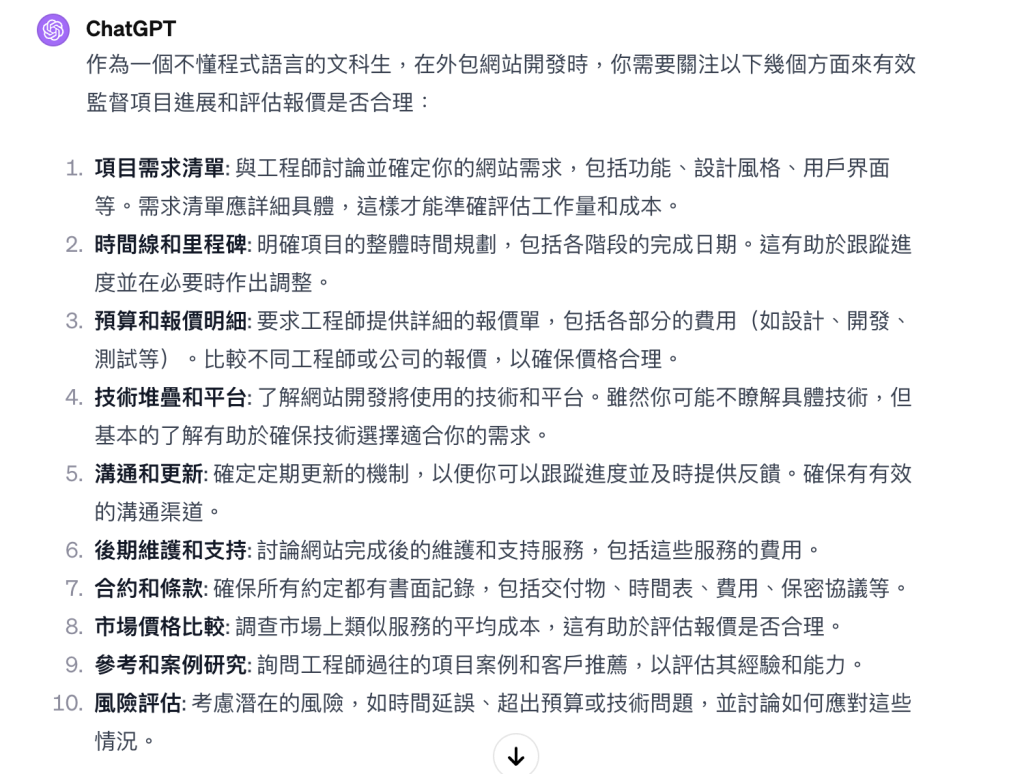
Then I continued with a follow-up question: "To what extent should website requirements be detailed?"
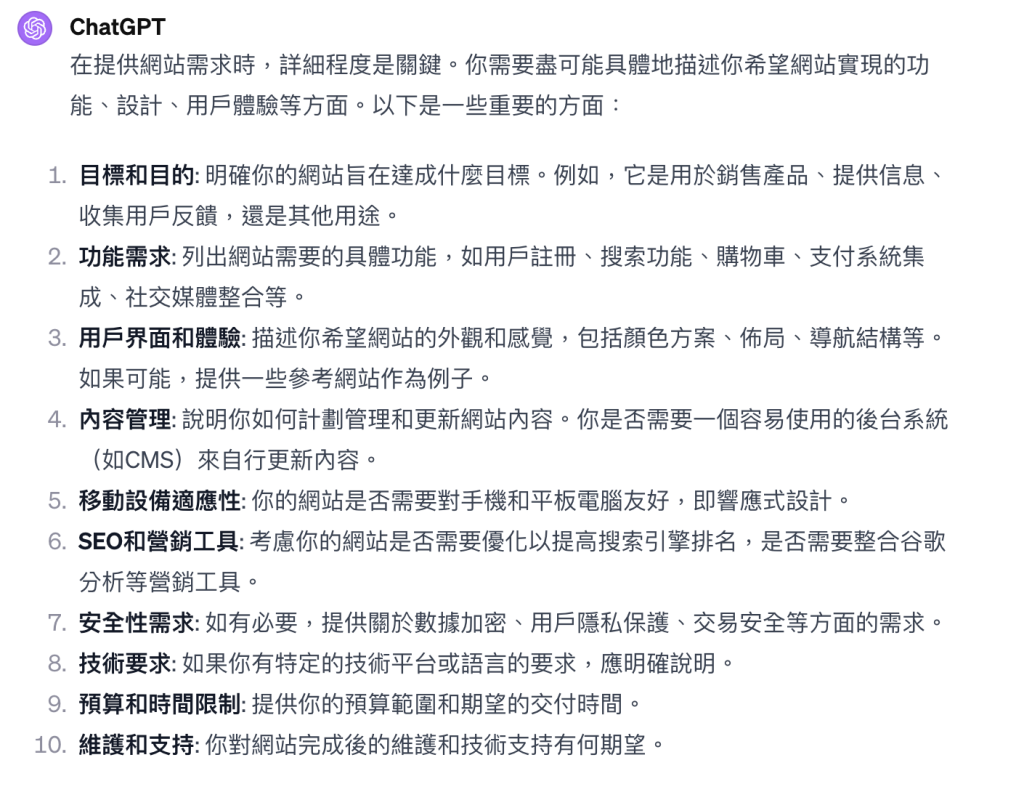
By continuously adding questions like this, you can gradually narrow down answers and approaches, and actually apply them in your work!
Efficient Presentation Assistant: Gamma
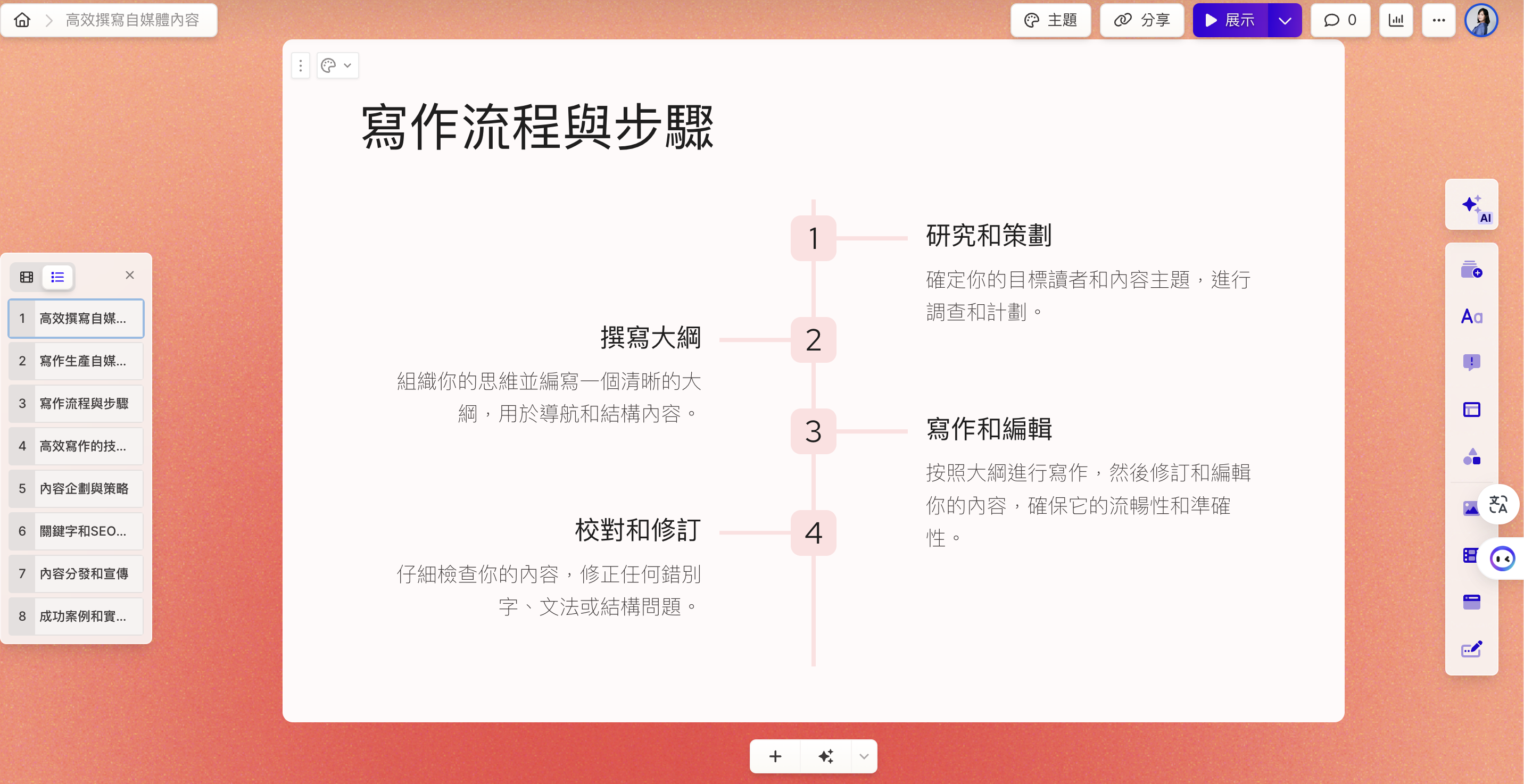
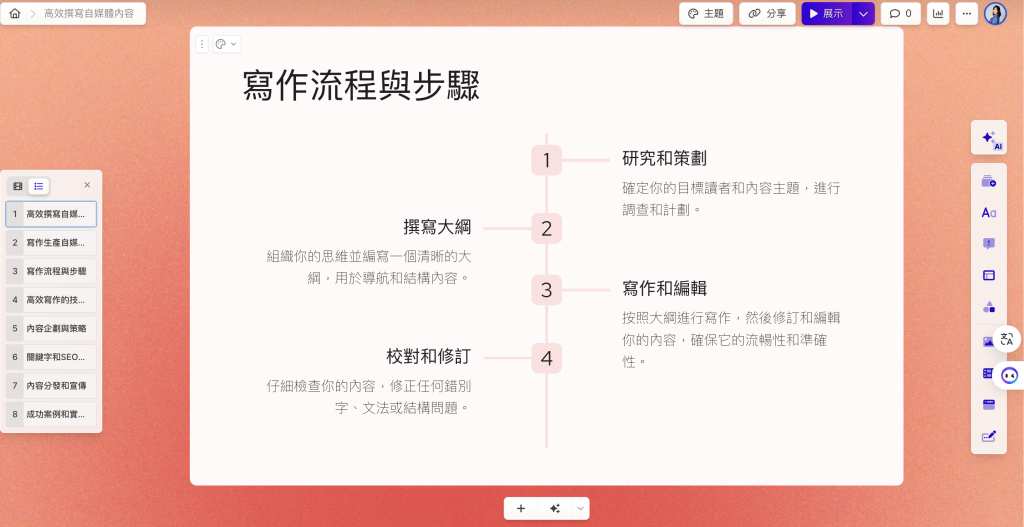
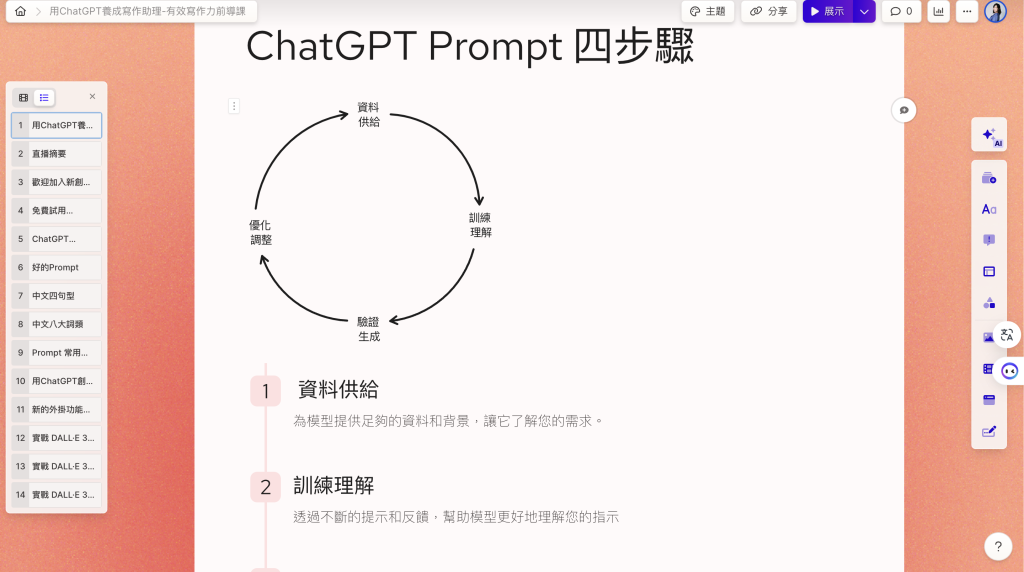
Gamma is what I believe to be the best presentation tool to use since Canva solved design problems! Because it deeply integrates AI, it can not only generate presentations from text, but also automatically extend text content, handle layout, and configure images. Then you press generate, and in about three minutes, you have a complete presentation—it's really convenient!
Before, I used to agonize over presentations, adjusting details like centering and alignment. But in reality, besides content, a presenter's body language, eye contact, and tone are equally important. So I let go of my obsession with presentation design and focus my energy on the depth and breadth of content, leaving design to AI. I can finish a day's work much faster and redirect the extra time to more important tasks.
Below is a presentation quickly generated by Gamma—honestly, you can use it just by adjusting the font!
Transcript AI Assistant: Vocol.ai
Before AI technology appeared, when transcribing meeting minutes, you've probably encountered:
- Time-consuming: Manual transcription of meeting minutes is extremely time-intensive, especially for long meetings.
- Accuracy issues: Manual recording may miss or incorrectly capture important information, particularly during rapid conversations or when professional terminology appears frequently.
- Lack of immediacy: Manual meeting record compilation typically requires time, meaning records aren't immediately available.
- Scattered focus: The person recording must listen and take notes simultaneously, which may impact their understanding and participation in the meeting.
- Language barriers: In multilingual meetings, accurately transcribing for non-native speakers can be especially difficult.
- Cost concerns: Hiring professional transcriptionists or stenographers can be expensive, or the company may not have the budget and must do it themselves.
- Fatigue and stress: Prolonged concentration on recording meeting content can cause psychological and physical strain on the person recording.
Now with Vocol.ai, you simply upload an audio file or use Vocol.ai to record, and you can directly convert speech to text on the platform. It can simultaneously analyze the discussion themes with AI to create summaries, and can also record multi-person conversations with automatic voice identification!
Download the transcript as a text file, input it into ChatGPT, and you can quickly generate articles and meeting minutes formats—it's truly efficient and convenient!!!
These three tools are ones I genuinely use constantly! I hope they're helpful to you.