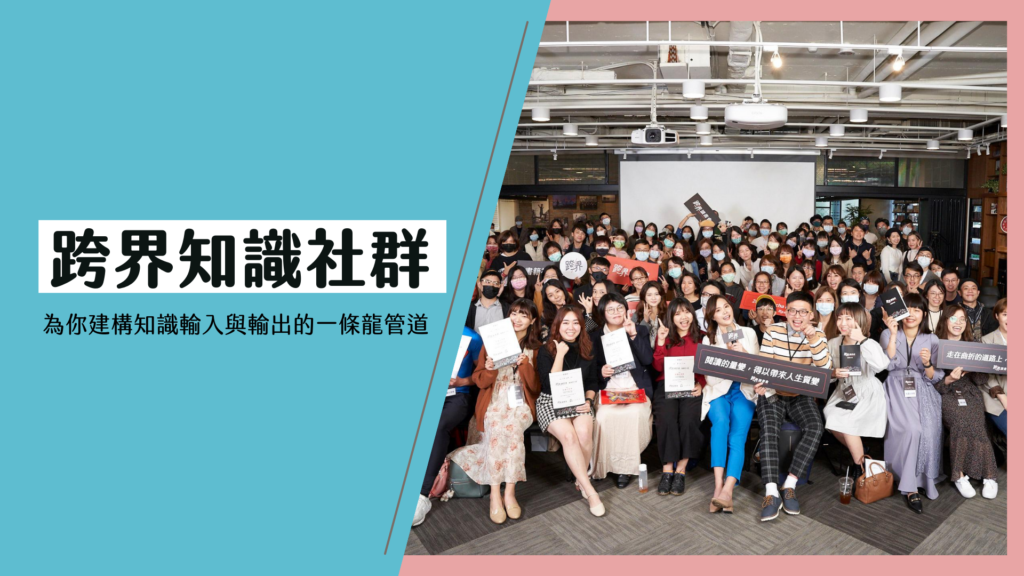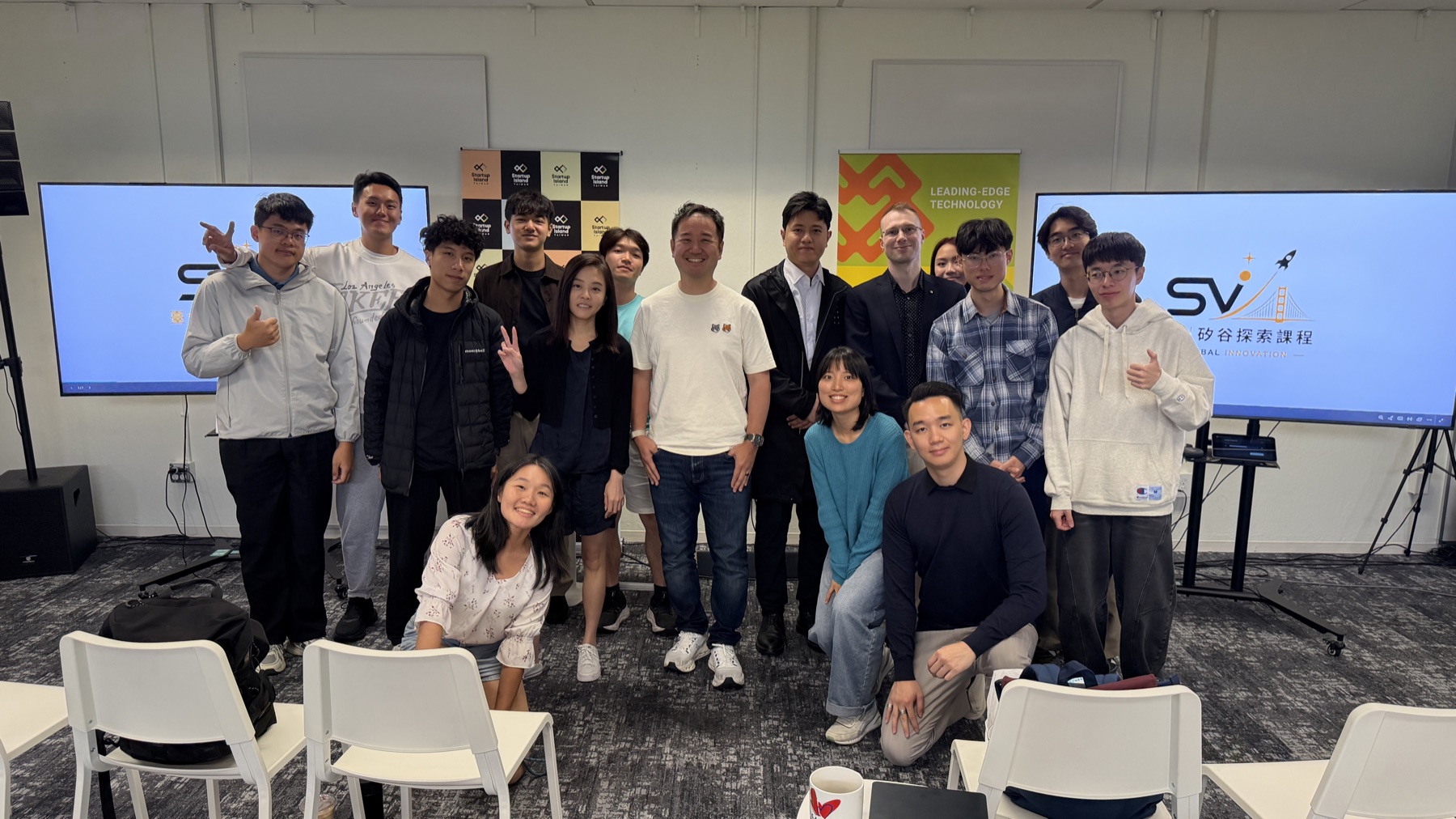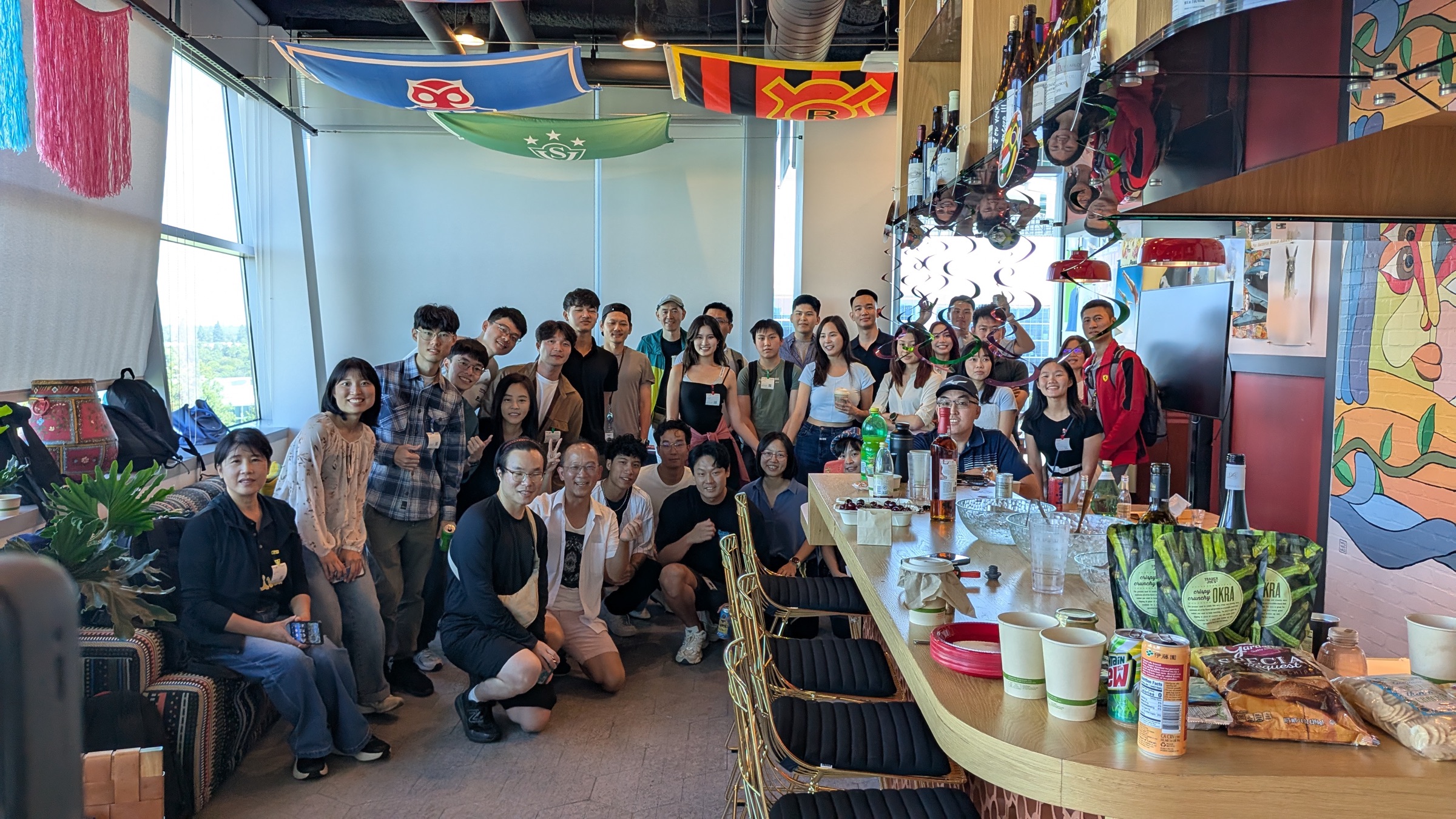
Crossoverlearning, a cross-disciplinary knowledge community, held in-person book clubs and small gatherings before the pandemic. However, with three to four years of remote meeting experience, we quickly adjusted when the crisis hit and launched a two-month period of online book clubs and events—averaging over 14 events per month.
Today I'd like to share how to "run two events when you only have access to one meeting room." Due to budget constraints, we purchased ZOOM's lowest plan, but we faced a situation where two book clubs needed to run on the same day with different hosts, different numbers of participants, and each event needed to split into two groups for discussion in the final hour. With only one room available, we solved this problem using "breakout room mode."
Here's the solution:
Main Room + Breakout Room Setup: Six rooms
Room 1 Activity A Main Area Room 2 Activity A Group One Room 3 Activity A Group Two Room 4 Activity B Main Area Room 5 Activity B Group One Room 6 Activity B Group Two
Breakout Room Time: No time limit set
Step One: Test and Verify
Two weeks before the official event, during every internal meeting, we placed everyone in breakout rooms to test whether they would auto-close or what the participant threshold was. We tested with one to three people staying in breakout rooms for two to three hours with no issues.
Step Two: Simulate the Flow
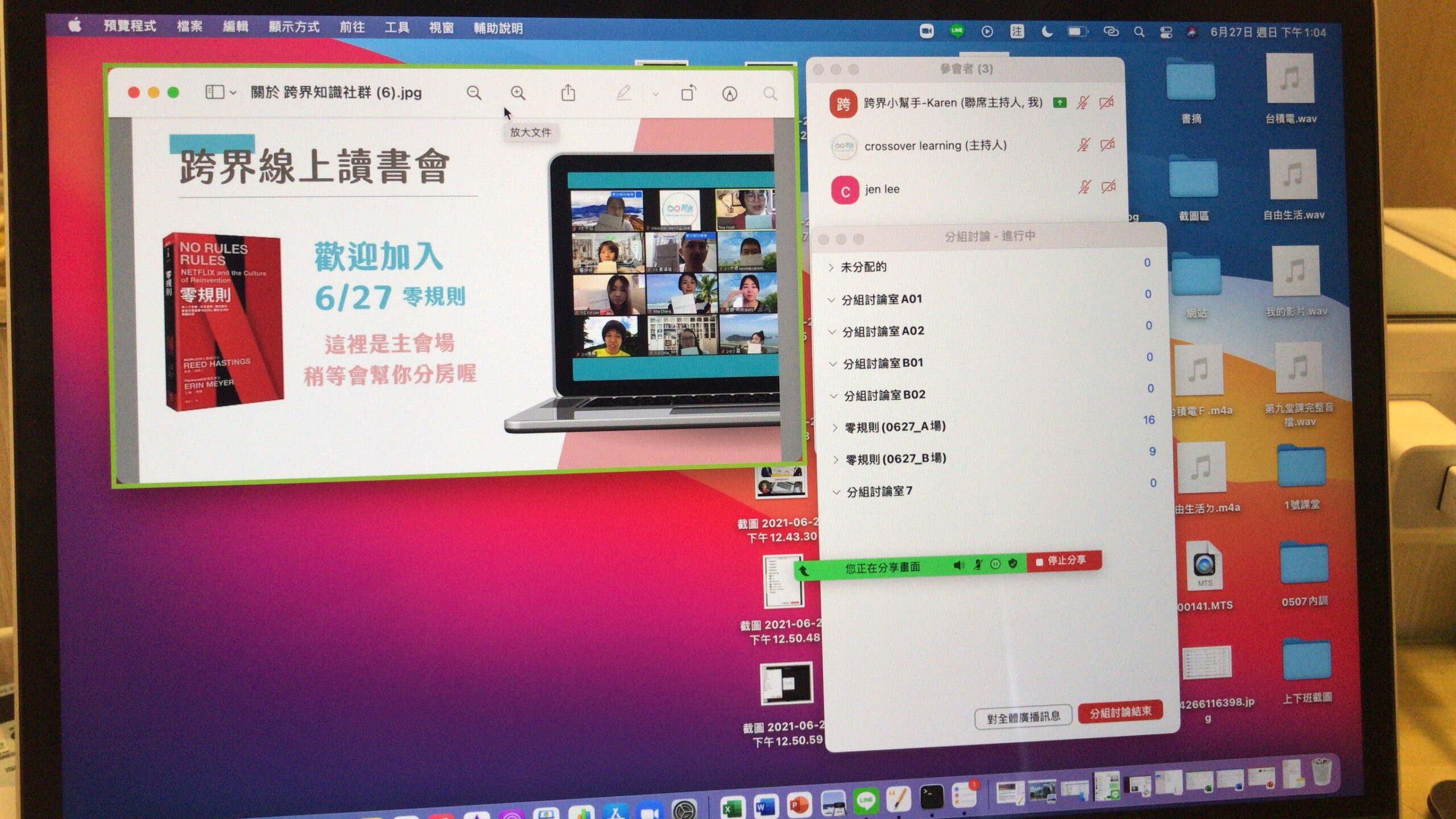
The screenshot below shows the simulation. As mentioned, we needed the main room plus six rooms, so we mapped out the participant flow.
The administrator in the main room would "manually" and "individually" assign participants to their designated breakout rooms after they entered.
This also meant we had to prepare a roster in advance, confirming which room each participant belonged to, to avoid assignment errors.
Step Three: Pre-Event Communication
With over 30 participants total on the day, split across two rooms with two groups each, we had to communicate thoroughly with the day's hosts and assistants, ensuring they understood the event structure and could provide maximum support.
Step Four: Go Live
On event day, we opened the meeting room 30 minutes earlier than usual so the hosts and assistants could enter their breakout rooms before participants, taking on a welcome role. Then, 15 minutes before the official start, we opened the room for participants.
Participants entered the main meeting room and saw the event image (showing "please wait for room assignment") plus music. Within about 1 minute, they were moved to their assigned room, where the hosts and assistants were already waiting to explain the event schedule.
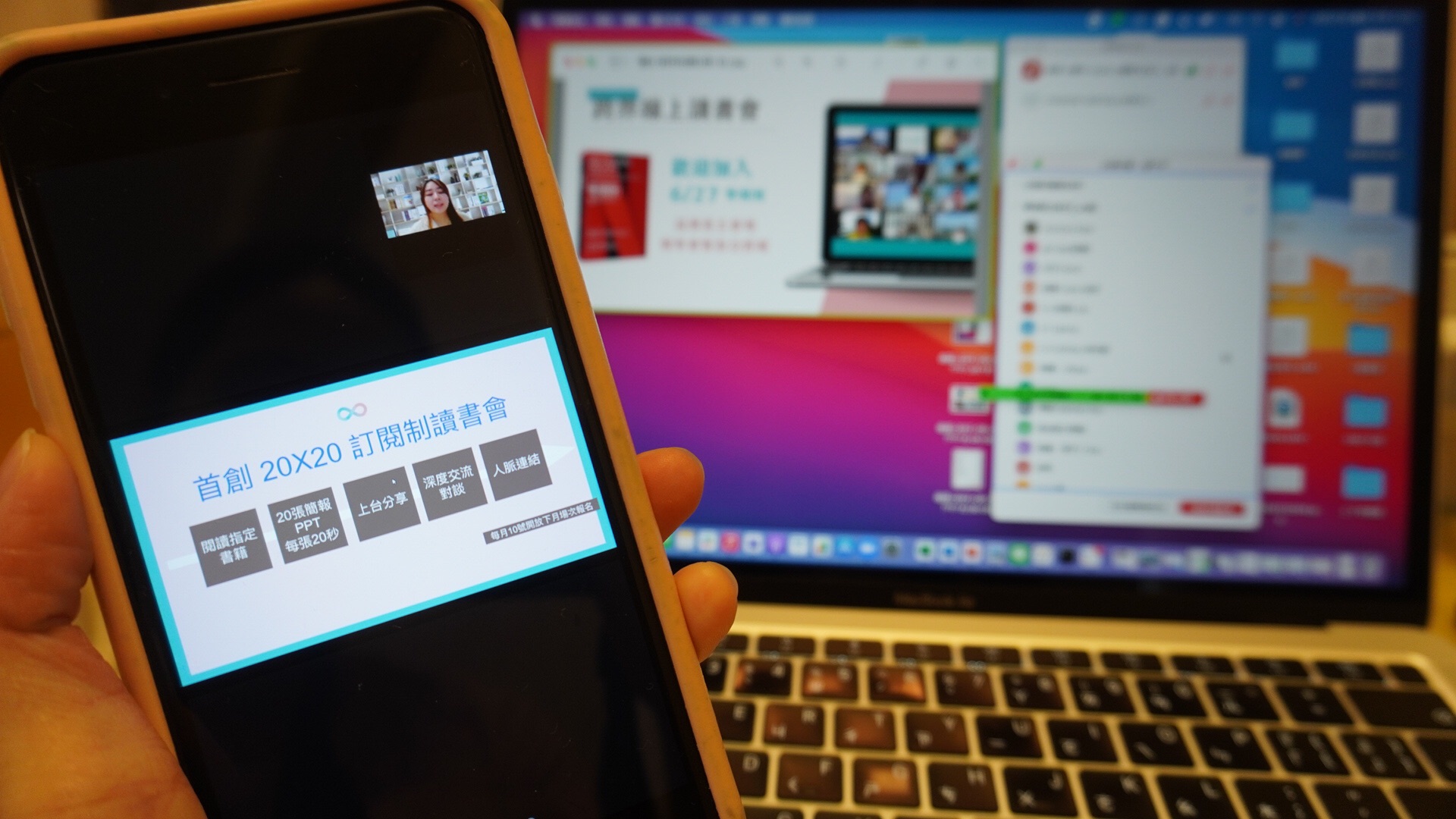
Image: Monitoring two events in progress via mobile phone
The entire room assignment was completed within about 15 minutes, and watching both events start successfully with different atmospheres and paces was truly moving!
One important note: during the event, the host and co-hosts can navigate between rooms to check on things, but make sure to "leave the room" rather than "end the breakout session," otherwise you'll destroy the entire event ×D
We also used manual assignment for the later breakout discussions. The event ran for about five hours and concluded successfully!!!
If you find this helpful, you're welcome to join us on 7/31 for an event co-hosted with Wang Yongfu (Fu Ge) to learn more!
Registration link: https://lihi1.cc/hoBgT/karenoffice